ONE STUDIO. EVERY CREATIVE TOOL.
Create more. Work smarter.
Audio, video, photos and PDFs in one place. Choose a category and open the tool you need — with a clean, simple workspace.
Explore all 60 tools ↓
More creations. No daily cap with an active pass.
Start with 5 free conversions per day. Need more? Choose the pass that fits you.
Pass prices are displayed in EUR. Checkout, payment terms and pass details are provided by Stripe. Access starts after verified payment.

TikTok Video Maker
Make vertical videos with photos, music, captions and MP4 export.
Open tool →
TikTok Safe Zone Checker
Check the safe area of a vertical video or image before posting.
Open tool →
TikTok Hook Cover Creator
Make an eye-catching still cover from your own image and short headline.
Open tool →
TikTok Caption & Hashtag Formatter
Clean up your post text and hashtag list without inventing popularity claims.
Open tool →
TikTok Profile Grid Preview
Plan how video covers work together visually on your profile.
Open tool →Video Tools
Make, convert, trim and improve videos
Video to MP3
Extract MP3 audio from a video file on your device. No upload.
Open tool →
Video to MP3 & WAV
Convert MP4, MOV, MKV, AVI, WebM and more to MP3 or WAV.
Open tool →
Free Online Video Compressor
Reduce the size of videos for messaging, sharing and uploading. Choose a resolution and compression level, then download MP4.
Open tool →
Free Online Video Cutter & Trimmer
Trim the beginning, end or middle of a short clip. Set precise time boundaries and export a new MP4.
Open tool →
Free Video Crop & Resize Online
Choose a social-ready canvas size. Fill the frame by cropping the sides or pad the picture to preserve the whole video.
Open tool →
Free Video to GIF Converter Online
Turn a selected 2–20 second video clip into a looping animated GIF. Choose frames per second and output width.
Open tool →
Video Watermark Remover
Remove fixed logos from videos using nearby pixel reconstruction.
Open tool →
YouTube Thumbnail Maker
Create a 1280×720 thumbnail from a video frame or photo, add text and export PNG/JPG.
Open tool →
Free Remove Audio From Video
Remove the sound track from video online with copy-mode export when supported.
Open tool →
Free Add Music to Video
Replace or mix video audio with an MP3 or WAV music track online.
Open tool →
Rotate Video
Rotate video by 90, 180 or 270 degrees
Open tool →
Increase Video Volume
Boost sound in videos without changing the picture
Open tool →
Speed Up or Slow Down Video
Control playback speed and audio tempo
Open tool →
Merge Videos
Join multiple video clips into one MP4
Open tool →
Video Background Remover
Remove backgrounds around people without green screen.
Open tool →
Virtual Video Background
Replace the scene behind a person with your own picture.
Open tool →
White Background Video
Replace the background behind a person with white.
Open tool →
Transparent Video Maker
Export a portrait video as a transparent WebM with alpha.
Open tool →
Green Screen Remover
Replace a solid green or blue video background.
Open tool →Photo & Image Tools
Resize, convert, enhance and repair images
Free Image Compressor Online
Reduce JPG, PNG or WebP image file size for email, social media and websites. Set a target size in KB, then export a compressed JPG or WebP.
Open tool →
Free Image Converter Online – JPG PNG WebP
Convert images between JPG, PNG and WebP. Choose the destination format, quality when applicable, and download in your browser.
Open tool →
Free Image Resizer Online – Resize Pixels
Resize a picture to exact pixel dimensions. Keep its aspect ratio locked or adjust the width and height independently.
Open tool →
Free Image Cropper Online – Crop Photos
Crop a photograph visually. Draw or move the selection on the image and export the selected rectangle at its original pixel resolution.
Open tool →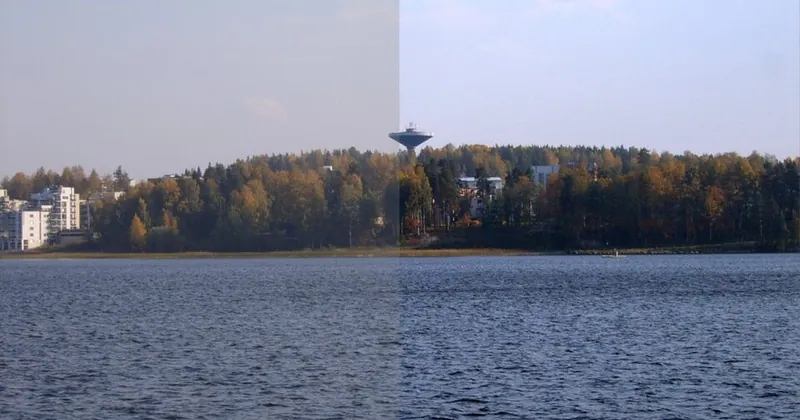
Free Photo Enhancer Online – Brightness Sharpness
Improve image brightness, contrast, colors and sharpness. Preview the changes before exporting a new JPG, PNG or WebP.
Open tool →
Free Photo EXIF & GPS Metadata Remover
Protect your privacy before sharing a photo. Re-encode its image pixels into a fresh image file without copying original EXIF/GPS metadata.
Open tool →
Photo Watermark Remover
Repair unwanted marks in photos using surrounding pixels.
Open tool →
Free Image Sharpener
Sharpen photo edges using adjustable local filters and download PNG.
Open tool →
Free Brightness & Contrast Editor
Adjust brightness, contrast and saturation with before and after preview.
Open tool →
Free Black & White Converter
Convert photos to black and white and adjust exposure.
Open tool →
Free Signature Background Remover
Make near-white backgrounds transparent for scanned signatures; export PNG.
Open tool →
Free Crop GIF
Crop animated GIFs by pixel position and dimensions, retaining animation.
Open tool →
Free GIF Cutter
Trim animated GIF length by choosing start time and duration.
Open tool →
GIF Speed Changer
Change GIF animation speed without losing moving frames
Open tool →
Resize Animated GIF
Resize a GIF and preserve its animation
Open tool →
Reverse Animated GIF
Reverse the order of animated GIF frames
Open tool →PDF Tools
Merge, split and edit PDF documents
Free PDF Merger
Combine several PDF documents into one downloadable file.
Open tool →
Free PDF Splitter
Extract selected pages from a PDF into a new document.
Open tool →
Free PDF Optimizer
Re-save the PDF structure. File size may not decrease.
Open tool →
Free PDF Page Rotator
Rotate the pages of your PDF document and save.
Open tool →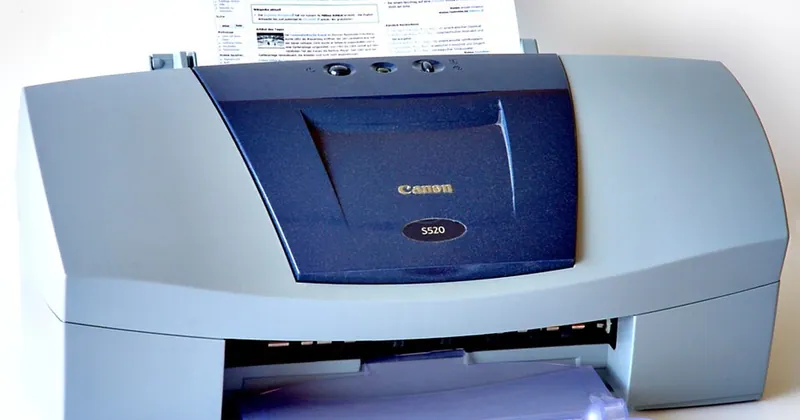
Free JPG to PDF Converter
Turn JPG or PNG images into a downloadable PDF file.
Open tool →
Free PDF Signature Text
Add visible signature text to a PDF (not a cryptographic digital signature).
Open tool →
Free PDF to JPG
Render one or every page of a PDF as a downloadable JPG image.
Open tool →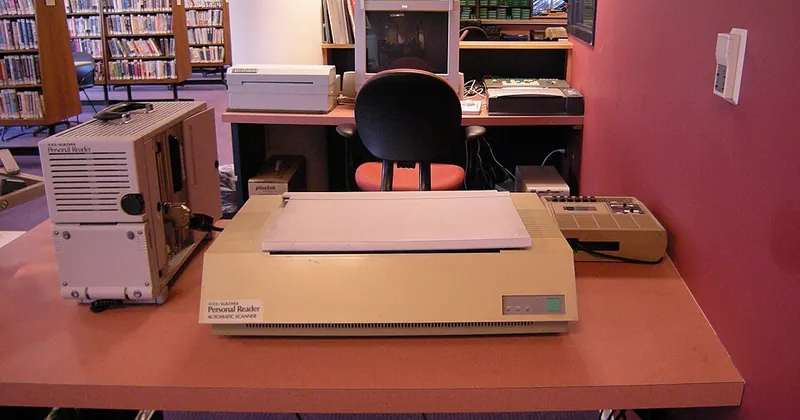
Free Enhance Scanned Document
Improve the contrast, clarity and legibility of scanned PDF pages with browser-based image processing.
Open tool →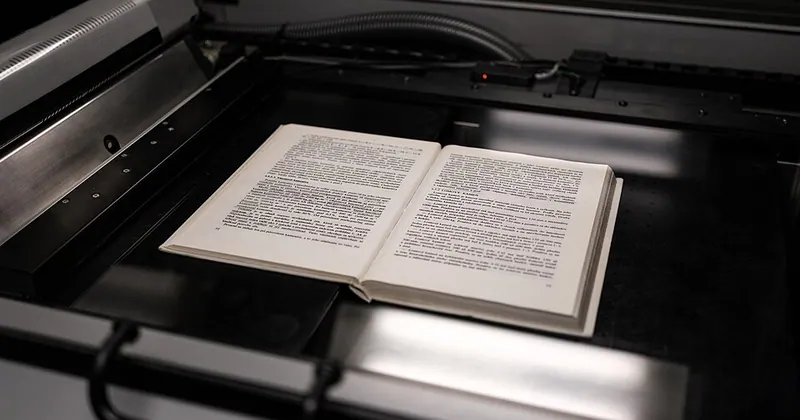
Free Scanned Document Cleaner
Clean document scans by reducing grayscale noise and creating high-contrast black-and-white pages.
Open tool →Audio & Music Tools
Edit music, analyze sound and create beats

Music Editor
Cut, combine and add music to your recordings.
Open tool →
Separate Vocals
Separate vocals and instruments using AI.
Open tool →
Find Chords
Find the chords in a song.
Open tool →
Audio Converter
Turn audio files into MP3 or WAV.
Open tool →
Audio Effects
Improve the sound with easy-to-use effects.
Open tool →
Remove Noise
Reduce noise from recordings.
Open tool →
BPM & Key Finder
Discover the tempo and musical key of your MP3 or WAV.
Open tool →
Online Beat Maker
Create your own beats with 16 steps, drum sounds, BPM and presets.
Open tool →
Free Online Audio Joiner
Join multiple songs, recordings or voice clips in their selected order and download one MP3 or WAV audio file.
Open tool →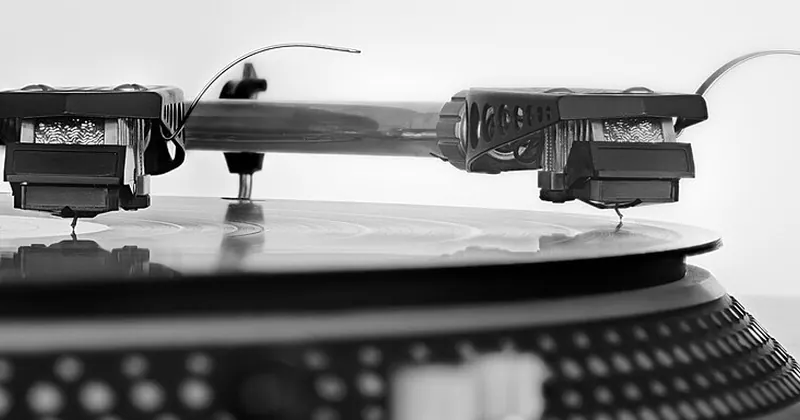
Free Audio Reverser
Reverse an audio recording and export the processed WAV file.
Open tool →
Free Audio Volume Normalizer
Normalize peak audio levels and download a WAV file.
Open tool →Straightforward actions with clear buttons.
Check the sound before you save it.
Download processed audio from your browser.
Free video, image, PDF and audio tools in one place
Browse four dedicated categories for video, images, PDF documents and audio. Choose a standalone free tool for editing, converting and creating files in your browser.
Frequently asked questions
Are Free Audio Tools tools free to try?
The tools on this site are available without a subscription. Some features depend on your browser and the codecs in your files.
Do I need to upload my audio and video?
Many tools process files directly on your device. Check each individual tool page for its limitations.
Explore more free tools
Free Audio Tools · Free browser tools. Actual results depend on file compatibility and device performance.
Free Online Video, Image, PDF & Audio Tools
Explore 39 free online video, photo, PDF and audio tools. Convert files, trim videos, edit photos, merge PDFs and create music in one place.
How to use this free online tool
- Browse tools by type, then choose the dedicated page for the job.
- Search by tool name or use the Video, Image, PDF and Audio categories.
Important: Some tools depend on browser codec support; free usage limits may apply when a quota is enabled.